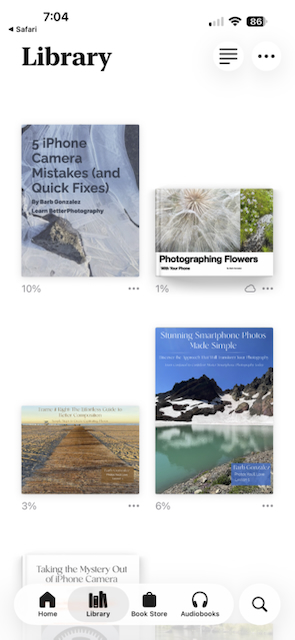
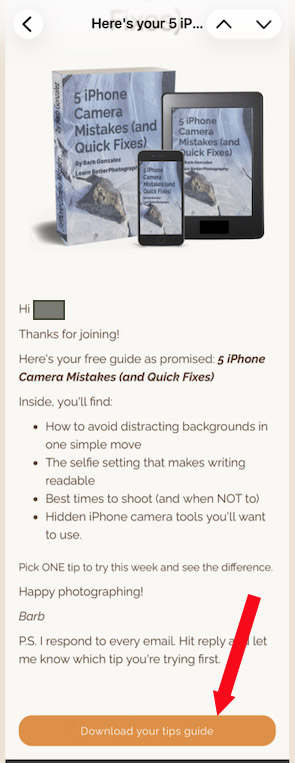
1. Click on link in email.
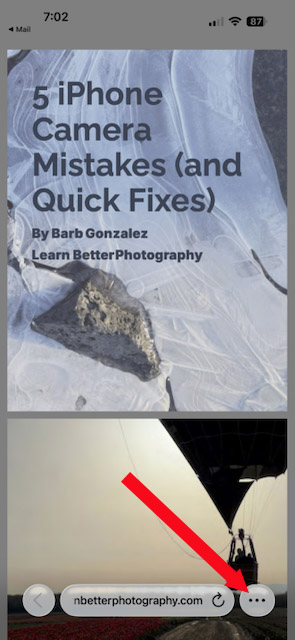
2. The book PDF will appear on screen. You can read it there but if you want to save to your phone, tap on the 3 dots in the bottom right.
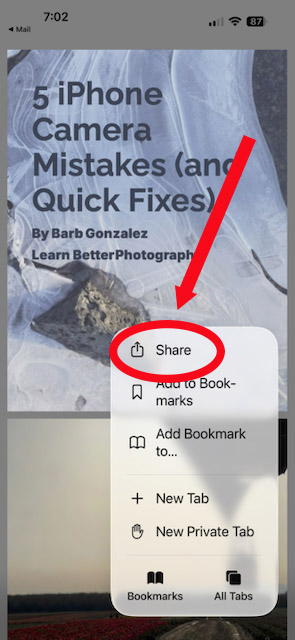
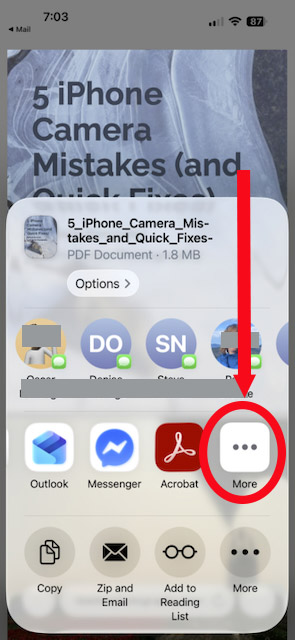
3. Tap on "Share"
4 Scroll to the right and Tap on the 3 dots above "more"
5. Scroll down the apps and tap "Books."
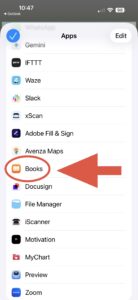
6. Voila! The PDF is now in your Apple Books app where you can read it like a book.