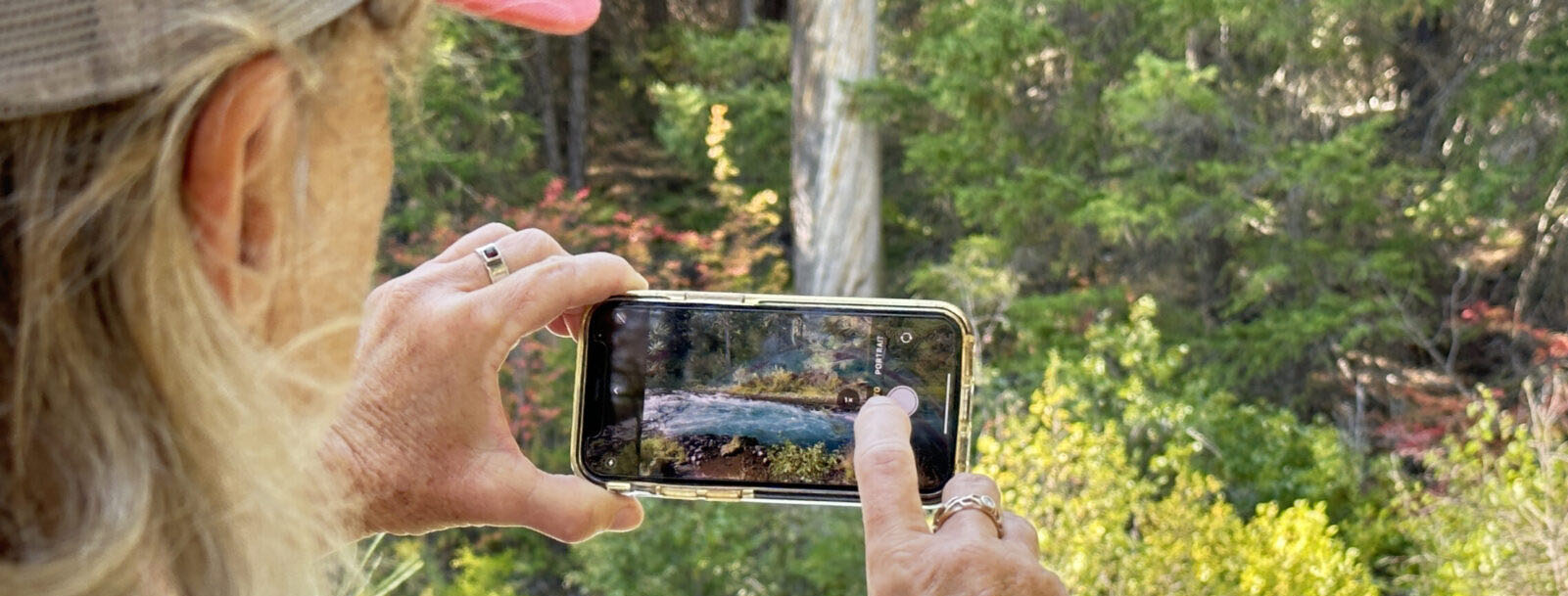
Transform Everyday Moments into Photos You'll Love to Share
Visual guides teaching iPhone photography to anyone with an iPhone.
The C.L.E.A.R. Shot Method guides you through five pillars — from understanding your camera to mastering light, focus, composition, and capturing moments that tell a story.
- Know every iPhone camera tool, what it does, and where to find it
- Know the camera app features so you consistently take great photos
- Learn to see a great photo before you ever press the shutter
- See improvement from the very first chapter
She taught me how to see differently. I thought I knew how to use my iPhone for photography, but I learned so much. From exposure compensation to night mode, giving elements breathing room in the frame, and understanding visual balance. I am inspired. And I think I'll take more flower photos!Mira · Filmmaker
Photography & technology writing — simplified for real people
As seen in

You Already Know the Feeling.
You see something worth photographing. The light is perfect. The moment is real. You pull out your iPhone (the same one that costs more than most cameras ever did) and press the shutter.
And then you look at what you got.
Too dark. Washed out. Focus on the background instead of the face. Or just... flat. Nothing like what was actually there.
That moment is gone now.The light shifted. Your kids moved on. The flower closed. The sunset faded. And the photo that should have been a framed memory is something you'd never show anyone.
This isn't about talent. It's not about the phone. It's about never having had a clear explanation of what those settings actually do and how to use them in the moment when it counts.
Sound Familiar?
- ✗ Putting your phone away instead of trying, because you're not sure what to change
- ✗ Watching other people get shots that look magazine-worthy with the same iPhone you have
- ✗ Handing photos off to someone else to fix because they never come out right
- ✗ Feeling like everyone else figured something out that nobody ever explained to you
- ✗ Avoiding group photos because you don't trust yourself to get it right
Every day that goes by without understanding your camera is another day of moments you can't get back. The light that happened this morning won't happen exactly that way again. The expression your dog had. The way your kid looked at something for the very first time.
Your iPhone already has everything it needs to capture those moments beautifully. The only missing piece is knowing how to use it. That's exactly what the C.L.E.A.R. Shot Method gives you.
Same iPhone. Same Scene. Different Result.
The difference isn't talent. It's knowing how to use the tools you already have.

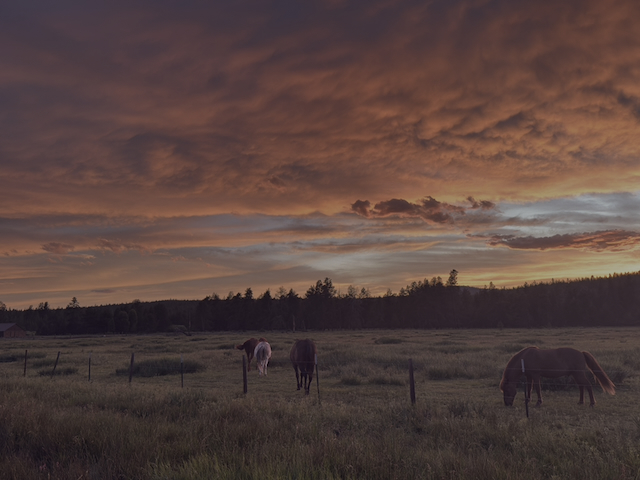
Beautiful field, but the photo feels flat. There's no depth, no drama, underexposed (dark) so can't see flower detail.

Same field, same iPhone but the angle, composition and light turned it into a photo worth framing
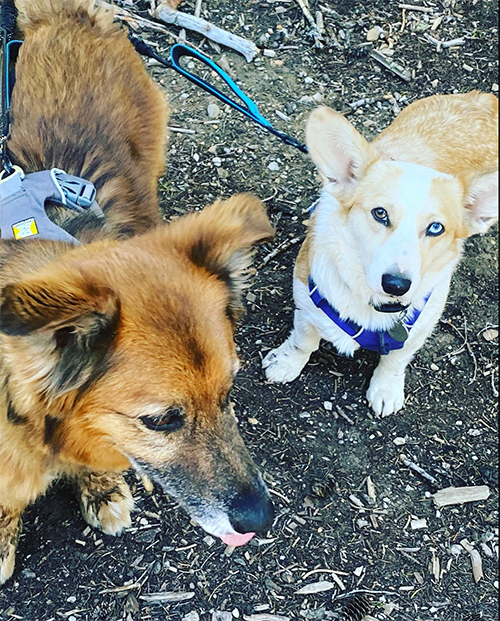
Shot from above, washed out light, ugly background, dog's face is badly cropped. The dogs are there but the photo doesn't do them justice
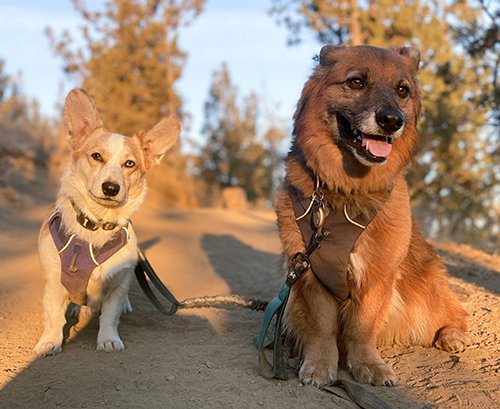
Same dogs, same iPhone but with golden hour light, eye-level angle, and a background that tells the story of the hike
This is what understanding your camera actually looks like.
Picture This.
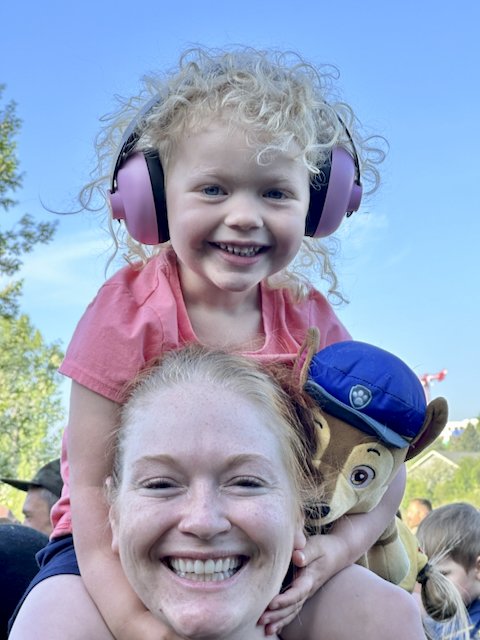
It's your granddaughter's birthday. The afternoon light is warm and low, coming through the window at just the right angle. She's laughing, that full, unselfconscious laugh that only kids have. You pick up your iPhone.
And this time, you know exactly what to do.
You see the light coming from the side. It's warm, directional and you position yourself to use it instead of fight it. You tap to set focus on her face and lock the exposure so it doesn't shift when she moves. You wait one beat for the laugh to peak.
And you press the shutter.
When you look at the photo, it's everything the moment actually was. Warm light. Sharp eyes. Real joy. The kind of photo you print and frame. The kind that still makes you catch your breath twenty years from now.
That's not luck.
That's knowing how to use what you already have.
The C.L.E.A.R. Shot Method gets you there.
Does This Sound Like You?
You take out your iPhone, frame up something beautiful — a sunset, your kids, a perfect flower — and press the shutter.
But when you look at the photo...
It's too dark. Or washed out. Or blurry. Or it just looks flat, nothing like what you actually saw.
You're not bad at photography. You just haven't had a simple, visual guide that shows you exactly what everything on your camera does and when to use it.
The C.L.E.A.R. Shot Method gives you that.
The Real Problem Isn't Your iPhone.
It's That Nobody Ever Showed You How It All Works Together.
Most iPhone photography advice teaches tools in isolation. Here's how focus works. Here's how exposure works. Here's a tip about light. But it never shows you how those tools talk to each other or how to bring them all together in the moment you're actually trying to capture.
That's the missing piece. A great photo isn't just correct focus or good light or an interesting angle. It's all of those things working together to bring a moment back to life every time someone looks at it. Once you understand how the tools connect, everything clicks and you stop feeling like you're guessing every time you open the camera.
And the guides that do go deeper? They're written for people who already understand photography, full of terms that mean nothing to someone who just wants to take a photo they're proud of.
You don't need more tips. You need clear, visual guides that show you what each tool does, when to use it, and how it works with everything else, the way a patient teacher would explain it.
That's teaching, not just telling. And that's exactly what you'll find here.
Why a Guide Beats a Video Every Time
Here's something most photography courses don't want you to think about: a video can't come with you while you're shooting.
A video tutorial
You watch it at home, at your desk. You take notes. You try to remember it later. Then you're out on a hike, light is perfect, and you can't recall which setting does what so you guess. Or you go back to Auto.
These guides
On your phone, in your pocket. You pull up the exact page you need, glance at the visual, adjust your settings, and put it away all while staying in the moment. Built to be used in the field, not watched at a desk.
There's something else worth saying: iOS 26 is the biggest change Apple has made to the iPhone camera in years. Menus have moved, settings have been renamed, and features you relied on are now somewhere new. A YouTube video from before the update won't tell you where anything is anymore. These guides are written for the current iPhone so when you open one, what you see matches what's actually on your screen.
Everything You Need to Go From Confused to Photos You'll Love
Each guide stands alone, but together they build something powerful.
Start where you are — and go as deep as you want.
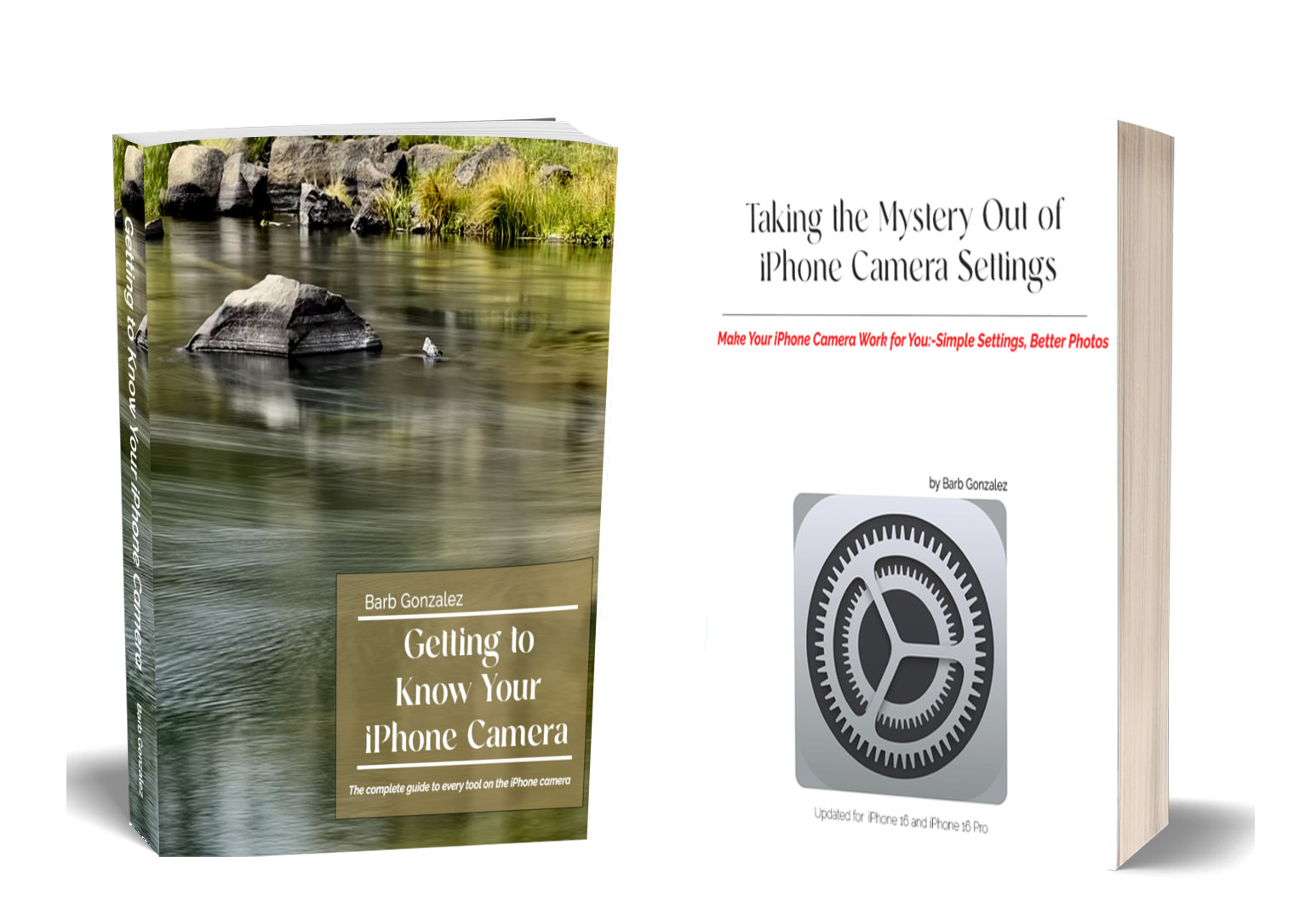
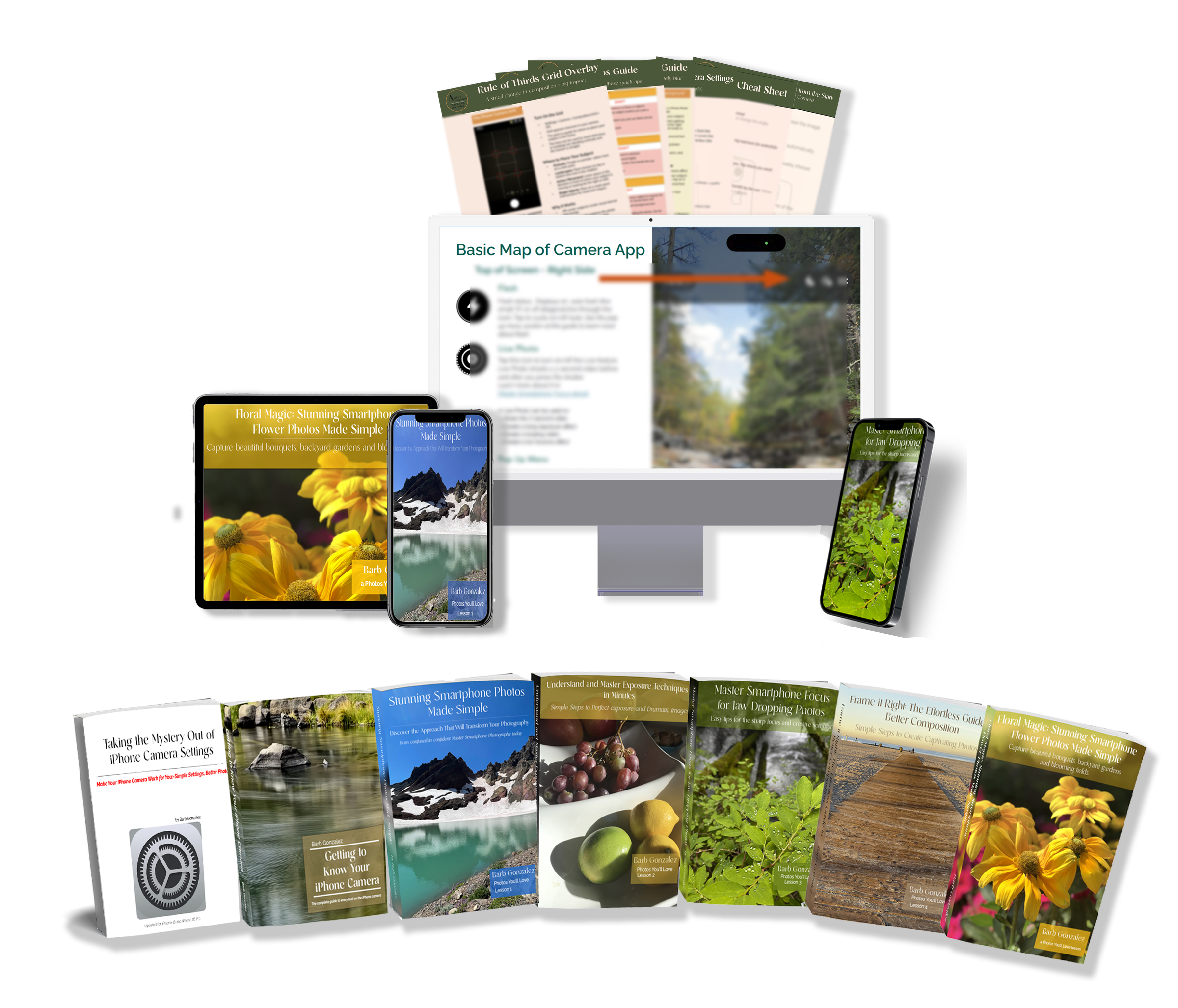
Getting to Know Your iPhone Camera
Taking the Mystery Out of iPhone Camera Settings
Everything you need to finally feel at home with your camera — set up right from the start.
30-day money-back guarantee
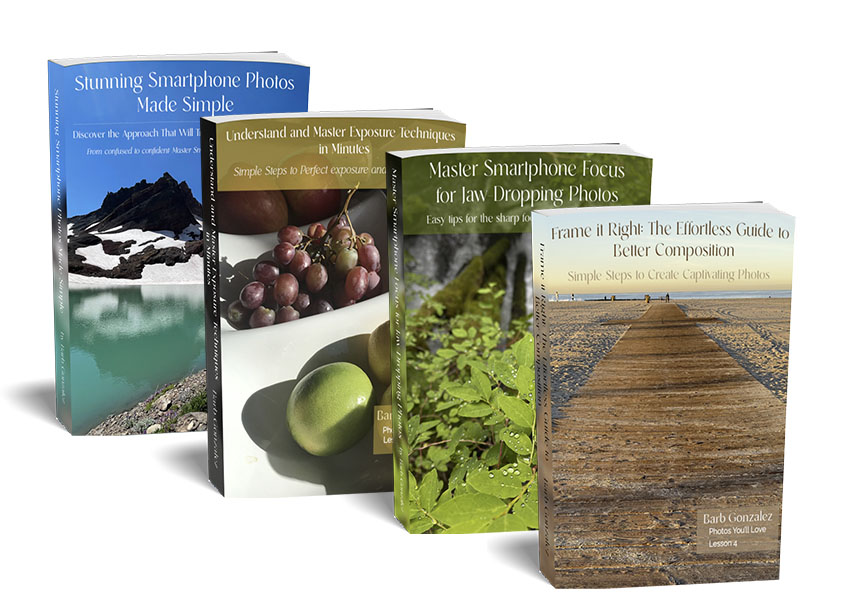
Stunning Smartphone Photos Made Simple
Understand & Master Exposure Techniques
Master Smartphone Focus
Frame it Right: The Effortless Guide to Better Composition
Lighting Scenarios Guide, Focus & Blur Quick Guide, and Rule of Thirds Reference Sheet
From learning to see like a photographer to mastering light, focus, and composition.
30-day money-back guarantee
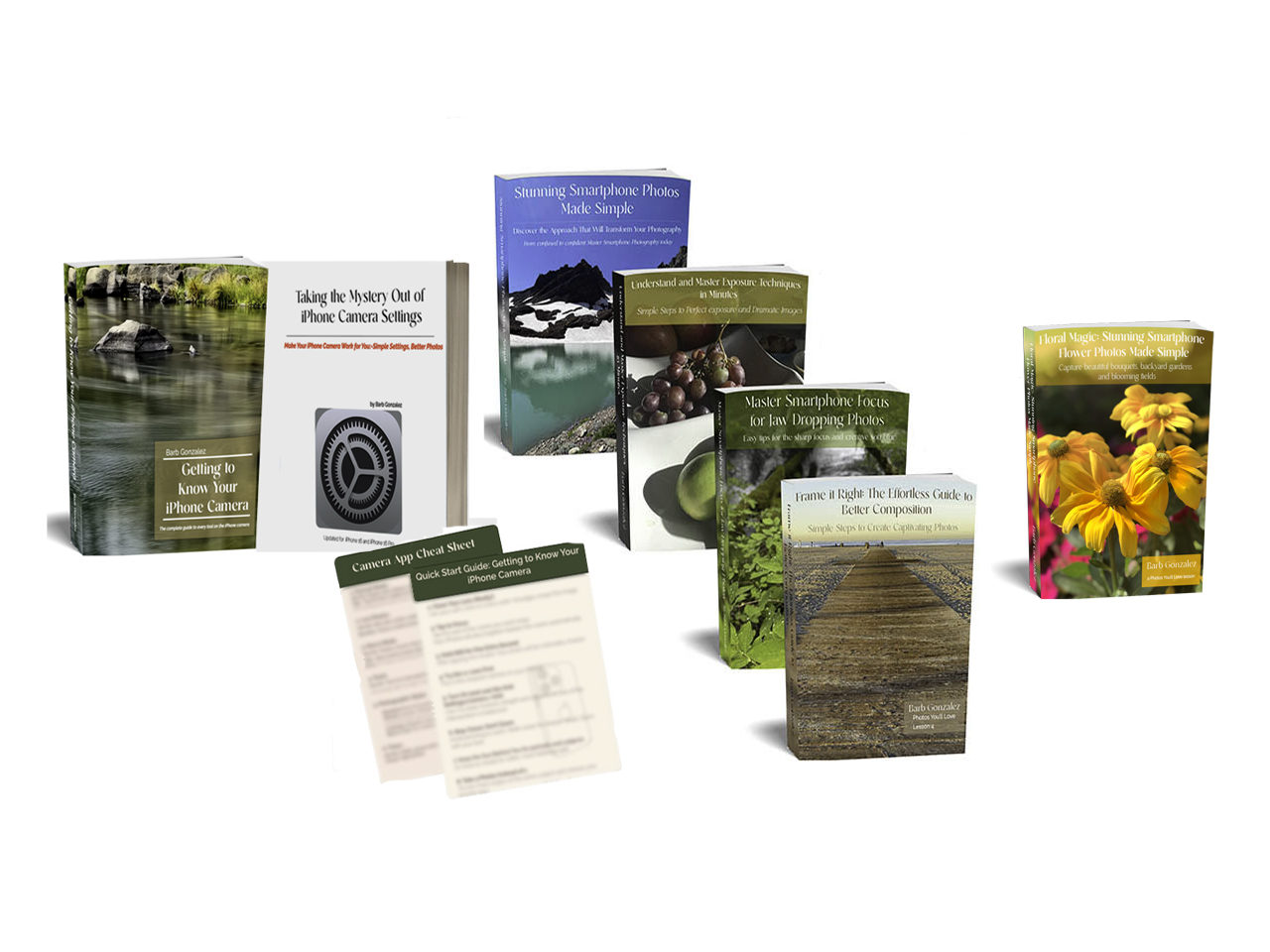
Getting to Know Your iPhone Camera
Taking the Mystery Out of iPhone Camera Settings
Stunning Smartphone Photos Made Simple
Understand & Master Exposure Techniques
Master Smartphone Focus
Frame it Right: The Effortless Guide to Better Composition
Floral Magic: Stunning Smartphone Flower Photos
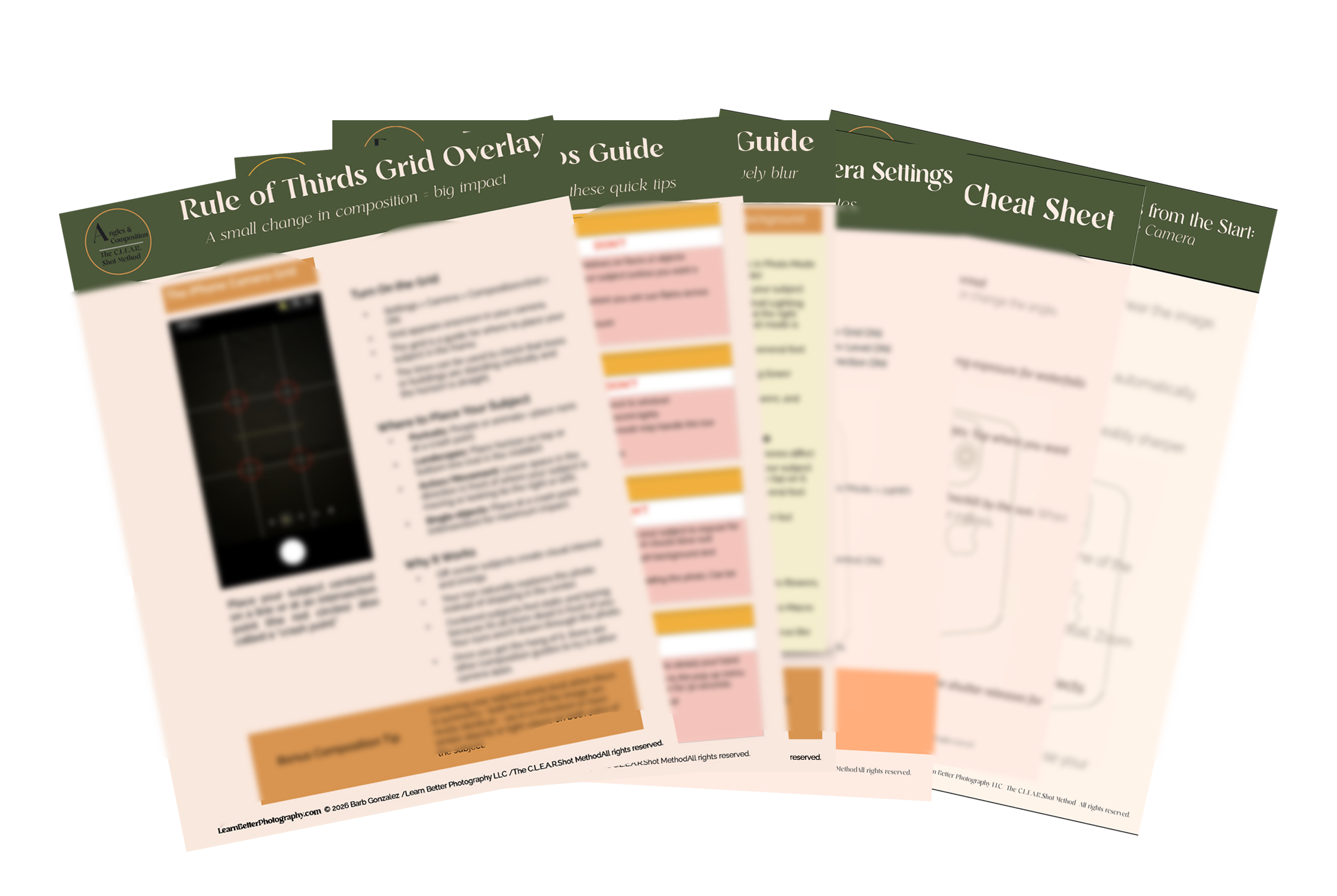
The complete C.L.E.A.R. Shot Method from foundation to final pillar — plus a full reference library to use every time you shoot.
30-day money-back guarantee

Her lessons have been particularly helpful from a practical how-to perspective
Mira - filmmaker
What makes her books particularly effective for me is how she pairs theory with examples. Each concept she discusses is illustrated with a great photograph, which helps the lessons really sink in.
Her composition principles apply universally, which is why her iPhone photography books are so valuable. The books reminded me to 'look around the frame' to spot distractions.
Her lessons have been particularly helpful both from a practical how-to perspective (settings, features, techniques) and in reinforcing the fundamentals.
and in reinforcing those same composition fundamentals
Barb has a rare talent for making what feels like complex concepts accessible.

“
Barb is a natural teacher. Her knowledge of technology is extensive.
She is able to tune in intuitively and focus on the level and pace needed.
I am excited about how much I have learned in just a few sessions.
Sandy - grandmother
“
I hired Barb Gonzalez to learn photography and editing using an iPhone, Photoshop, and multiple smartphone applications. Barb was awesome to work with! She had a lesson and task for each session, she was a subject matter expert, and she made each lesson clear and understandable.
Chris - web design
“
Before Barb taught me some easy-to-learn photography tips, I took very mediocre food photos.
With Barb’s help, I’ve elevated my skills and my results to a whole new level! My instagram feed is something I can be proud of!
Terri- artiste
Why These Guides Actually Make Sense
Most photography guides are written by photographers who've forgotten what it feels like not to know. They assume too much, explain too little, and leave you more confused than when you started.
I have an unusual combination of skills, and it's the reason these guides work when others haven't.
I've spent my career explaining complex technology in plain language that everyday people can actually use. That's what companies like NBC-Universal, About.com, and Sears hired me to do — take something intimidating and make it simple, clear, and useful for their readers and customers.
At the same time, I've been building my own photography career including years of weekly travel assignments and a fine art photography business with gallery exhibitions. I'm not teaching theory. I'm breaking down what I actually do, shoot after shoot, in a way you can pick up and use.
That's the combination that's rare: someone who deeply understands both the technology and the craft and has spent a career translating both into something anyone can follow.
That's what these guides are.

Barb Gonzalez — Learn Better Photography

You Have Nothing to Lose. Except the Confusion.
Try any guide or all of them for 30 days. If you don't learn at least one thing that noticeably improves your photos, email me at cheers@learnbetterphotography.com and I'll refund your purchase in full. No questions asked. No forms to fill out. No hard feelings.
And no risk for you.
I'm so confident you'll find something that changes how you shoot that I'm willing to put my money behind it. These guides cover tools and techniques built into your iPhone that most people never fully learn to use. Even with all years of experience including almost 20 years with an iPhone, I still discovered settings myself that I hadn't fully explored. That's how much is in this camera.
The only thing you have to lose is the confusion.

 Price Increase — April 2026
Better Photos Start Today.
You've already done the hard part — finding your way here. The only question left is which direction you go from this moment.
The photo that's waiting for you is already there.
You just need to know how to take it.
Instant download. 30-day money-back guarantee. No photography experience needed.